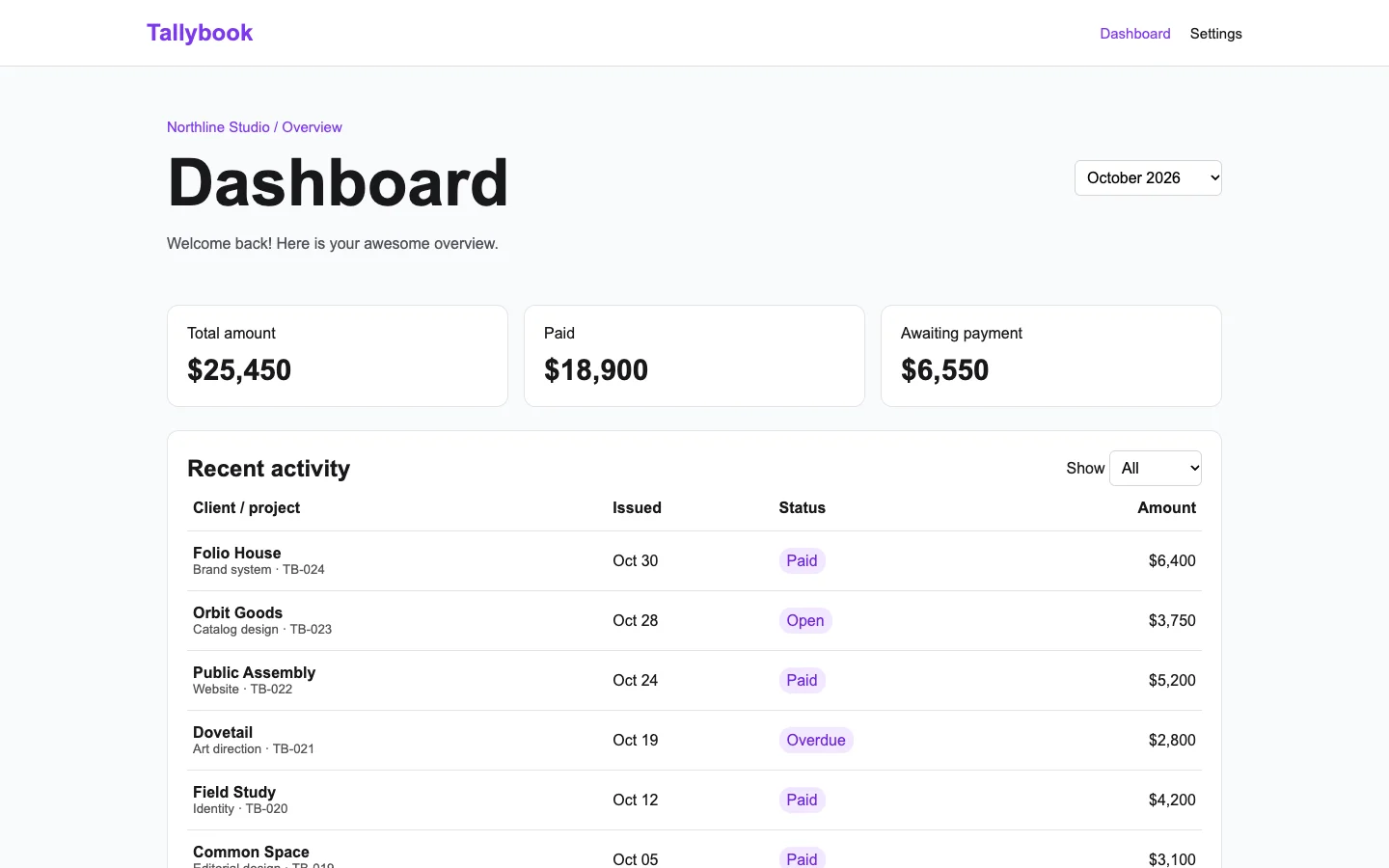
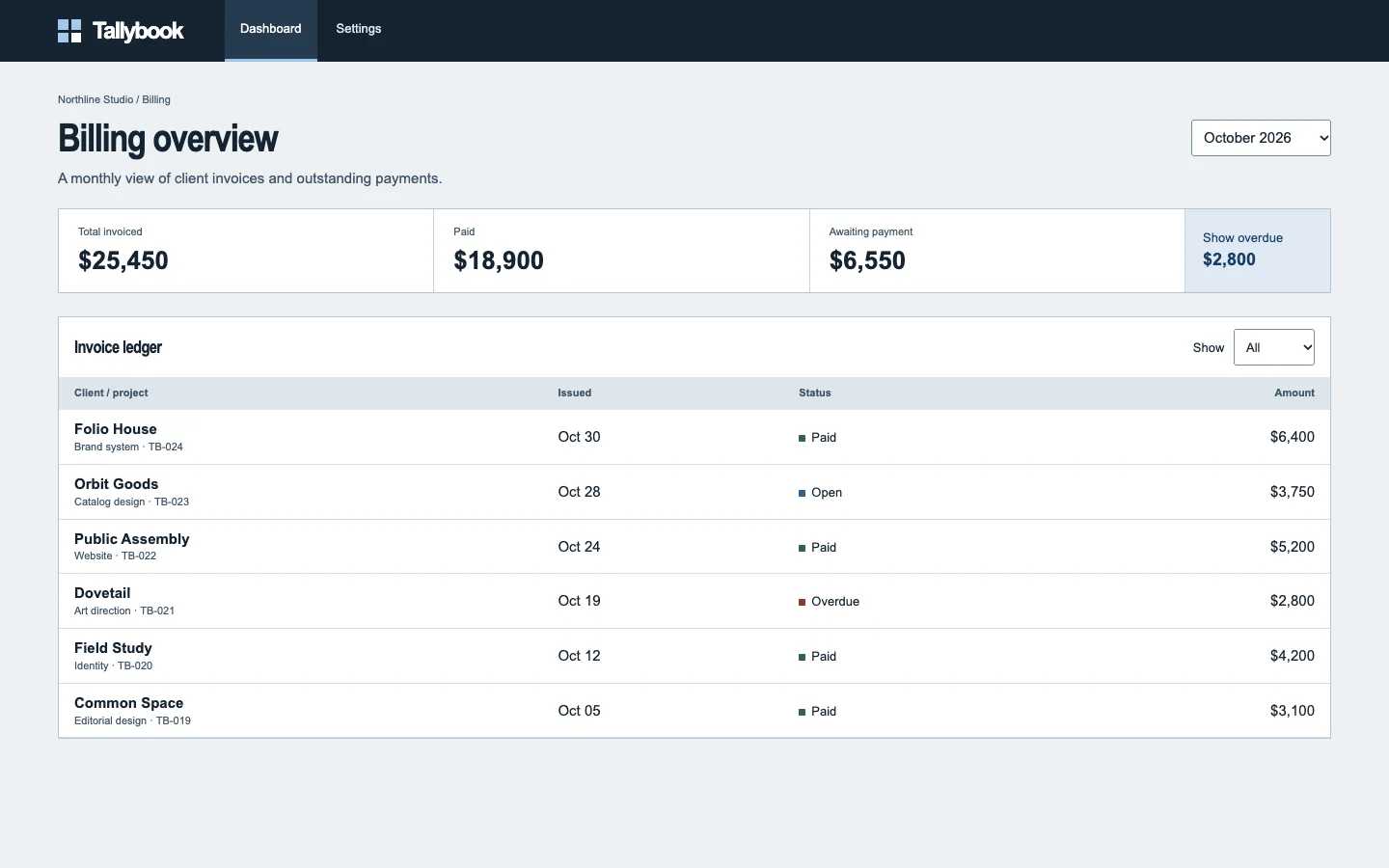
Agent-built demo / After audit
Tallybook
SaaS dashboard · Nov 8, 2026
3 measured views. Local app. Design grades compare the actual screen with published product references. N/A means there was no applicable sample. Unverified means evidence was insufficient.
Product specificity and generic signals · B
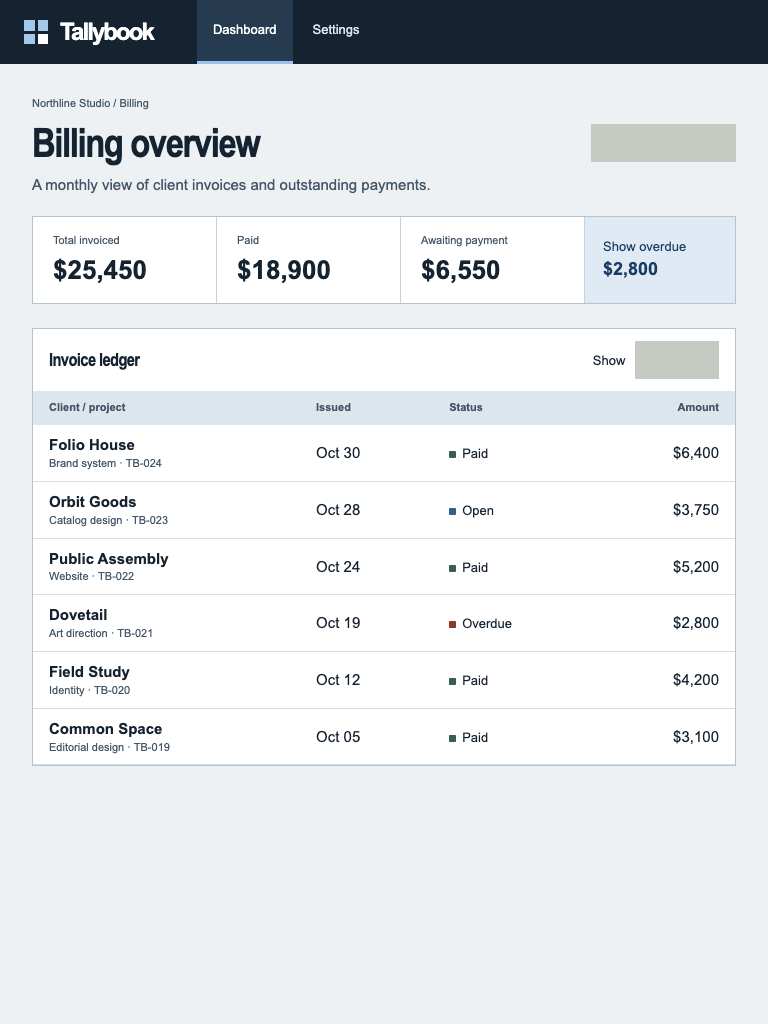
Both widths show concrete client invoices, project descriptions, record IDs, payment states and amounts. Dovetail’s $2,800 overdue balance supplies a clear decision target, but the action after identifying it is missing. (/dashboard)
Visual specificity before deductions B. Weighted design base B. Distinct signal deductions 0.
Product specificity supplies 55% of the base, and the five visual design dimensions share 45%. Round the base to the nearest letter. Each distinct verified generic signal lowers it by one letter, down to F. Foundations are reported separately. The detector ceiling is A. Vision reviewed 1 of 1 measured routes.
- Template copy · not observed
- No instance was identified in the reviewed views.
- Gradient hero · not observed
- No instance was identified in the reviewed views.
- Emoji bullets · not observed
- No instance was identified in the reviewed views.
- Default shadcn grays · not observed
- No instance was identified in the reviewed views.
- Purple on white · not observed
- No instance was identified in the reviewed views.
- Centered everything · not observed
- No instance was identified in the reviewed views.
Compared with the 2026 references
- /dashboard · Like the supplied scalar-card reference, both widths make heavy monetary values more prominent than their captions and use fine outlines for separation. Tallybook adds actionable invoice context, but its blank controls weaken the connection between seeing an overdue balance and handling it. Metabase · scalar cards

Visual design
- Hierarchy
- B
- At 1440, the title, large totals and ledger form a clear sequence. At 390, compact totals and a separate overdue strip preserve that sequence. The overdue record receives little emphasis within the ledger. (/dashboard)
- Typography
- C
- A visible text label renders below 12 px. (/dashboard, 1440 px.)
- Spacing
- A
- At 1440, consistent margins and row spacing support scanning across the ledger. At 390, 16-pixel outer margins, stacked summary sections and compact rows fit the visible content without horizontal clipping. (/dashboard)
- Copy and labels
- C
- Billing overview, Awaiting payment and explicit status words are useful at both widths. Two blank control surfaces and the incomplete Show label leave important choices unexplained. (/dashboard)
- Imagery
- N/A
- This invoice workspace needs no illustrative artwork. Its useful content is the financial summary and ledger at both widths.
Foundations · A
Contrast, responsive layout and keyboard reach are sampled separately. The foundations grade is the lowest verified result in this group.
- Color contrast
- A
- At least four opaque text samples per view passed the contrast threshold. Verified across 3 measured views.
- Responsive layout
- A
- All sampled viewports fit without horizontal overflow and contained readable text. Verified across 3 measured views.
- Keyboard access
- A
- Tab reached two visibly focused controls and Shift+Tab returned to the first. Verified across 3 measured views.
Fix these first
- Increase the label size and check its wrapping at phone width.Typography · /dashboard · 1440 px
Evidence from the screens
Gray blocks conceal form values or sensitive text. Numbered outlines identify measured issues.
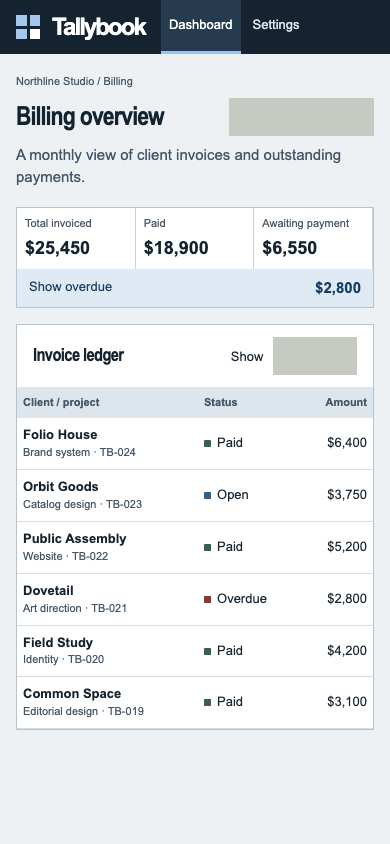
- A visible text label renders below 12 px.
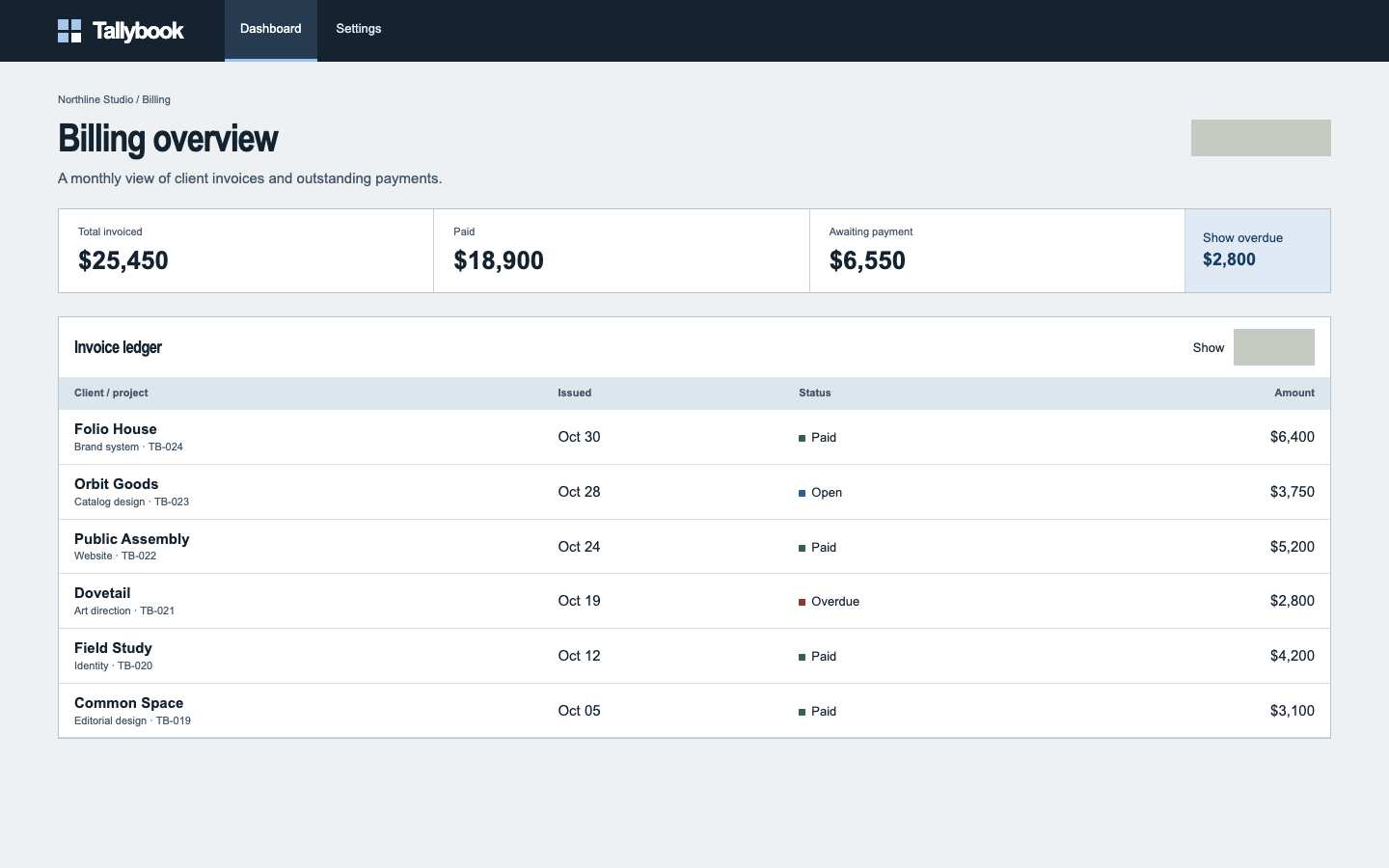
- A visible text label renders below 12 px.
- A visible text label renders below 12 px.
Independent task review
The reviewer assesses each route against its user task using desktop and phone evidence. Its task grades describe the interaction evidence available for that route.
/dashboard
Audit Tallybook’s /dashboard at 1440 × 900 and 390 × 844. Find Dovetail invoice TB-021, overdue for $2,800, and determine how to act on it.
Reviewed at 1440 × 900 and 390 × 844.
- Task hierarchy
- C
- At 1440, totals lead into a readable ledger, but Dovetail’s overdue invoice has no visible next action. At 390, the overdue summary becomes a full-width strip and the Issued column disappears; Dovetail remains identifiable, but follow-up is still unclear.
- Landing message
- N/A
- This is an internal billing workspace. Both widths identify the billing task and explain the monthly invoice view.
- Interaction feedback
- Unverified
- Both browser checks report six controls and a reached visible focus target. No activation and outcome were recorded for Show overdue, the ledger filter, or an invoice.
- Access and recovery
- C
- At both widths, the top-right rectangle and the control following Show have no visible text. Their purposes are unclear. The 390 layout keeps invoice names, statuses and amounts readable. One focus target was reached at each width; complete keyboard access and recovery remain unverified.
- Release evidence
- Unverified
- The supplied local captures establish the rendered layout at both widths; checks establish heading and control counts plus one reached focus target. Action results, persistence, error recovery, measured contrast and deployment status were not established.
First action
Restore visible, descriptive labels for the blank controls at both widths, then establish an explicit next action for Dovetail TB-021, such as opening its invoice details.
How to verify At 1440 and 390, verify the controls display their intended labels. Use Tab and Enter to activate Show overdue, confirm Dovetail TB-021 for $2,800 is shown, and open its details. Record the result and return path. Separately measure contrast and check every control’s keyboard reach.
What a repair could look like
Tallybook is an agent-built billing dashboard demo. Both captures show the same task.