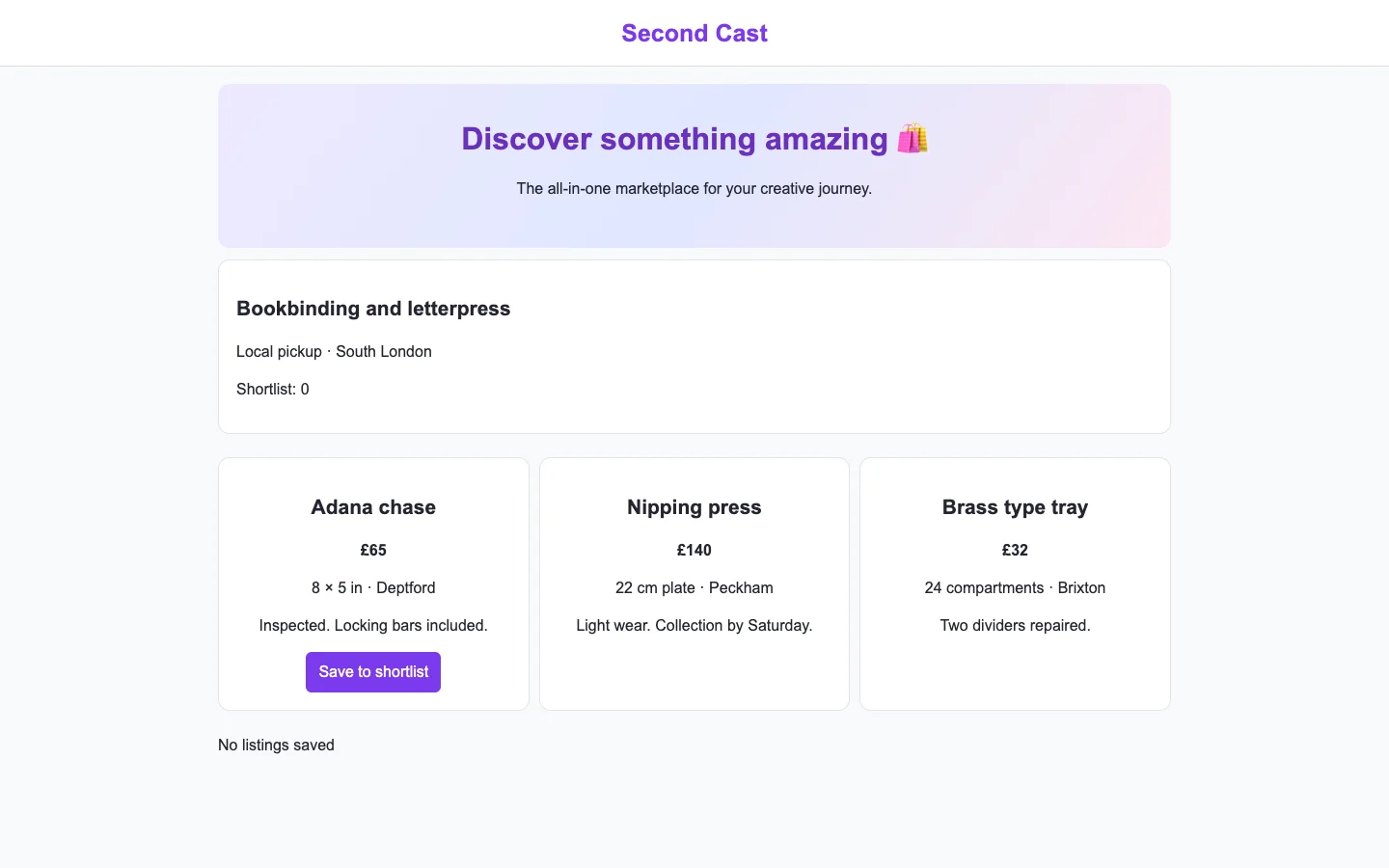
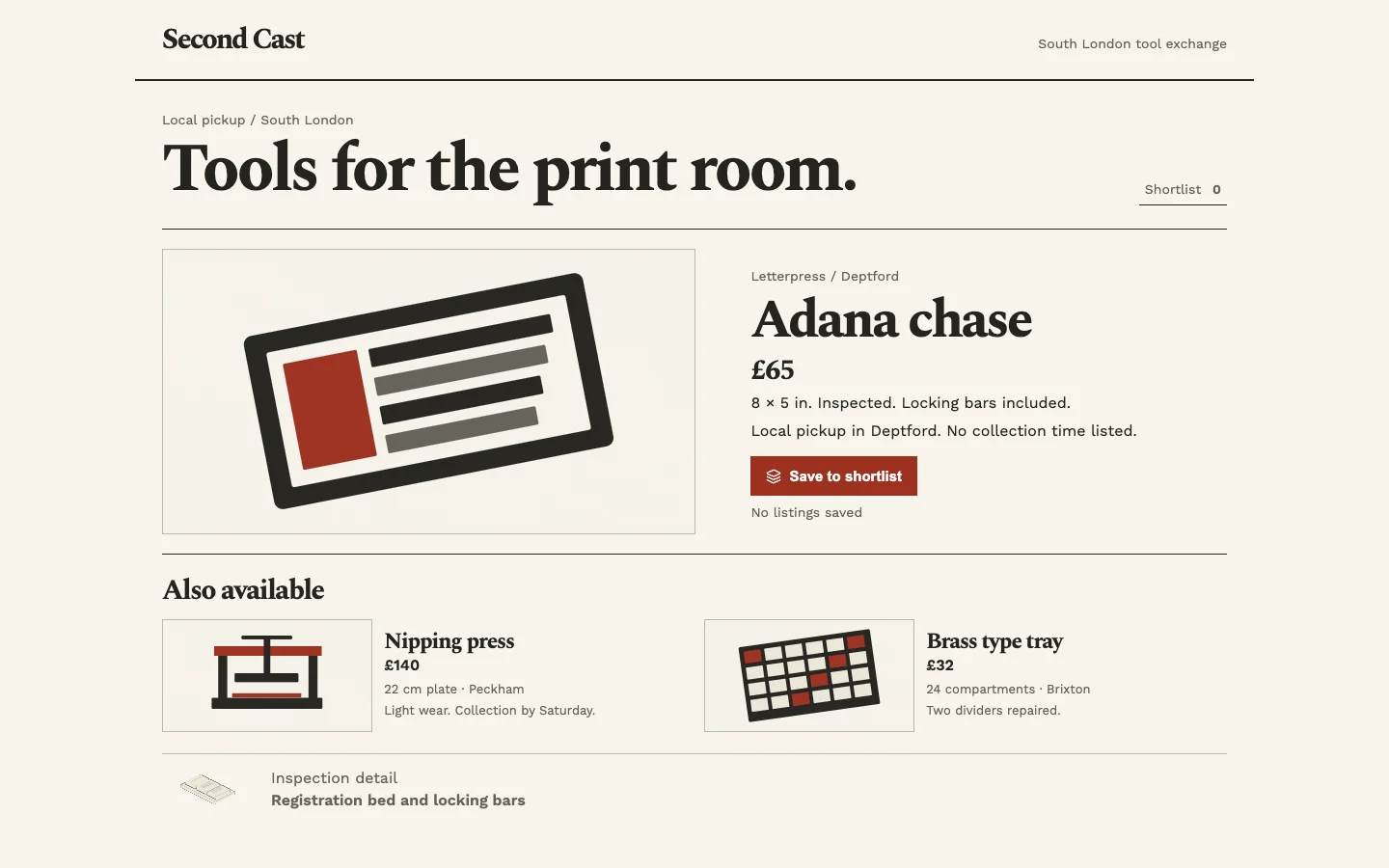
Agent-built demo / After audit
Pourbook
E-commerce · Nov 8, 2026
3 measured views. Local app. Design grades compare the actual screen with published product references. N/A means there was no applicable sample. Unverified means evidence was insufficient.
Product specificity and generic signals · A
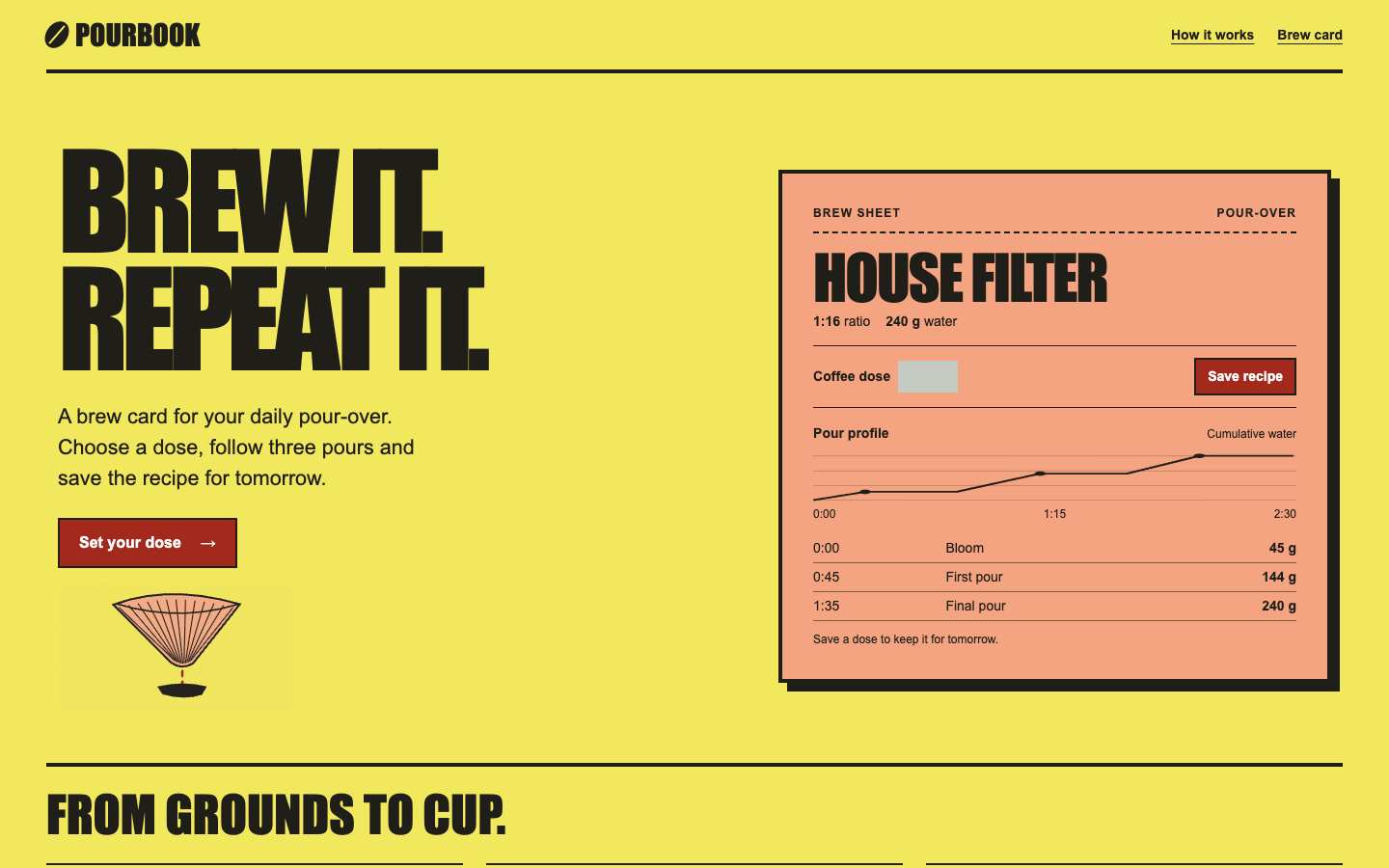
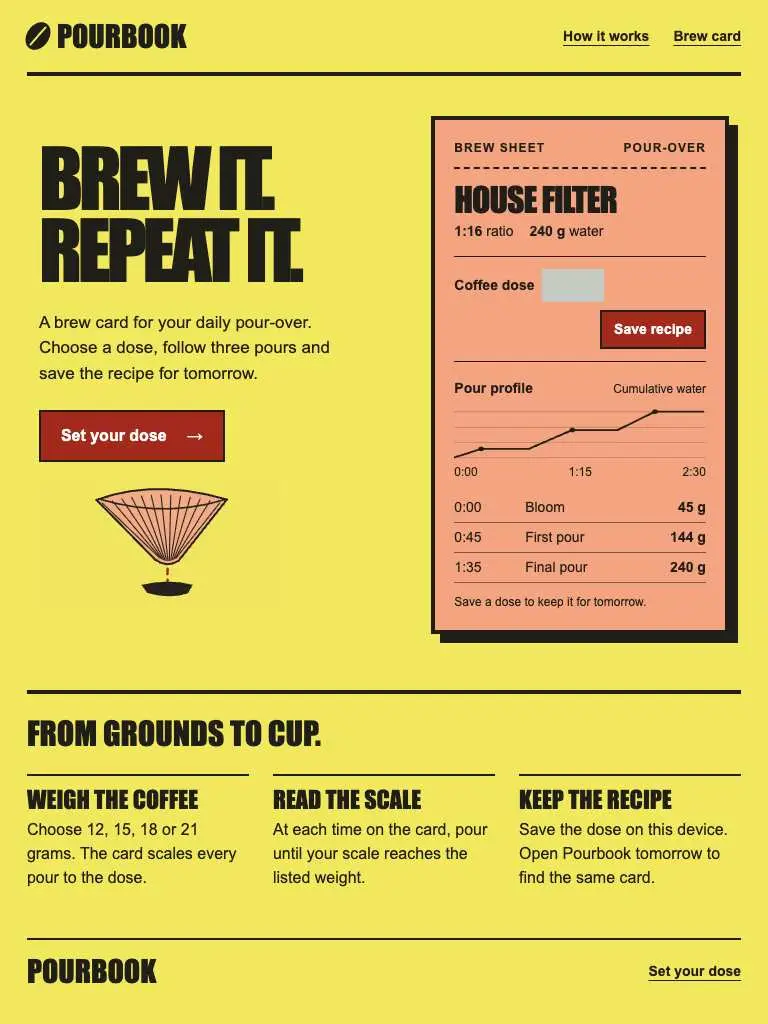
Both widths show an unmistakable coffee recipe object: House Filter, pour-over, 1:16 ratio, cumulative-water chart and three timed pours. Set your dose and Save recipe connect the object to preparation and reuse. (/)
Visual specificity before deductions A. Weighted design base A. Distinct signal deductions 0.
Product specificity supplies 55% of the base, and the five visual design dimensions share 45%. Round the base to the nearest letter. Each distinct verified generic signal lowers it by one letter, down to F. Foundations are reported separately. The detector ceiling is A. Vision reviewed 1 of 1 measured routes.
- Template copy · not observed
- No instance was identified in the reviewed views.
- Gradient hero · not observed
- No instance was identified in the reviewed views.
- Emoji bullets · not observed
- No instance was identified in the reviewed views.
- Default shadcn grays · not observed
- No instance was identified in the reviewed views.
- Purple on white · not observed
- No instance was identified in the reviewed views.
- Centered everything · not observed
- No instance was identified in the reviewed views.
Compared with the 2026 references
- / · Like ecommerce-product-1, Pourbook places a concrete object beside its next action. Its ratio, chart and schedule support a brewing decision, as finish views support the reference's purchase decision. The missing observation is whether changing the dose visibly updates that object. Spree demo · automatic espresso machine
Visual design
- Hierarchy
- B
- 1440 pairs a dominant two-line slogan with a substantial brew sheet. 390 preserves the action-to-recipe sequence and readable schedule, although the slogan and decorative dripper delay the working sheet. (/)
- Typography
- A
- Both widths use distinctive condensed display type for branding and recipe titles, with readable supporting text and aligned time/water data. The phone title scales down without losing the clear type hierarchy. (/)
- Spacing
- B
- 1440 has generous separation between proposition and sheet. At 390, consistent outer margins and ruled rows keep the dense sheet organized, though the dose label and field have little separation. (/)
- Copy and labels
- B
- Both widths explain the daily brewing task plainly and label Bloom, First pour and Final pour precisely. Coffee dose lacks an explicit unit, and the blank field leaves the displayed 240 g recipe's current input unclear. (/)
- Imagery
- B
- A small illustrated dripper reinforces pour-over brewing at both widths. The cumulative-water chart adds task-specific visual information, although its unlabeled plateaus require reading the schedule below. (/)
Foundations · A
Contrast, responsive layout and keyboard reach are sampled separately. The foundations grade is the lowest verified result in this group.
- Color contrast
- A
- At least four opaque text samples per view passed the contrast threshold. Verified across 3 measured views.
- Responsive layout
- A
- All sampled viewports fit without horizontal overflow and contained readable text. Verified across 3 measured views.
- Keyboard access
- A
- Tab reached two visibly focused controls and Shift+Tab returned to the first. Verified across 3 measured views.
Fix these first
No repair could be verified from these views.
Evidence from the screens
Gray blocks conceal form values or sensitive text. Numbered outlines identify measured issues.
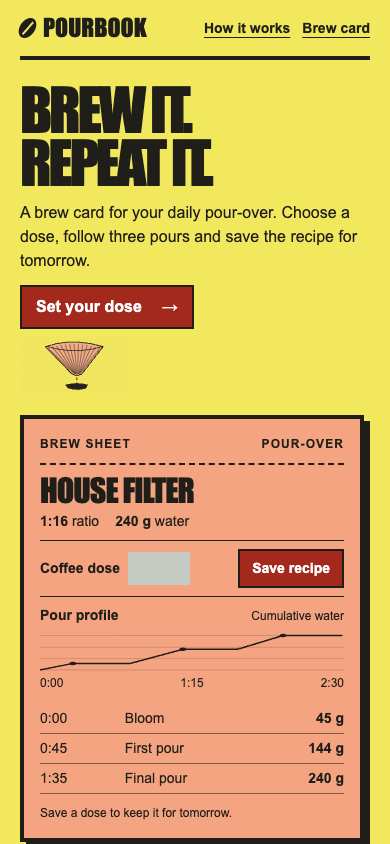
No issue was detected in this view.
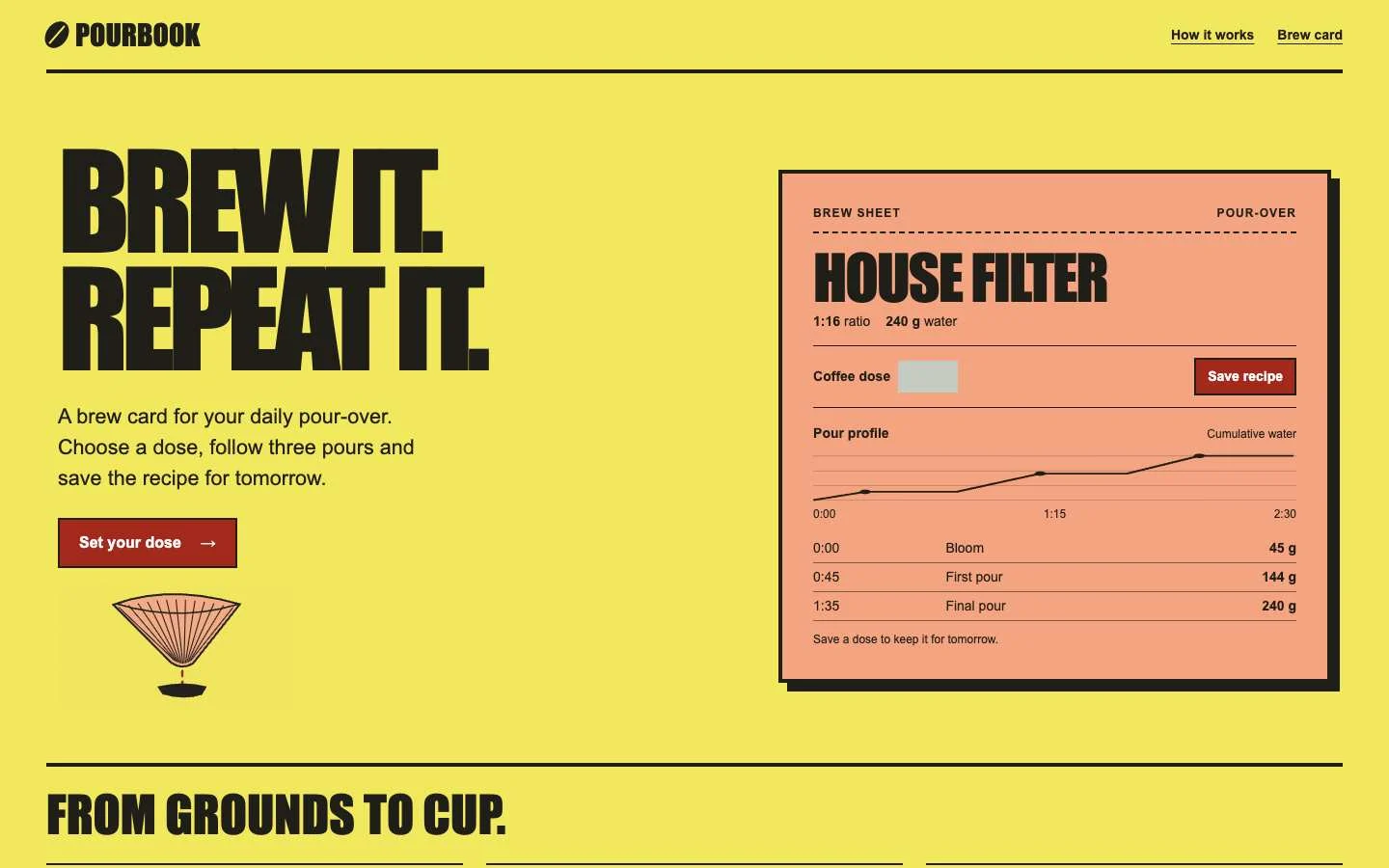
No issue was detected in this view.
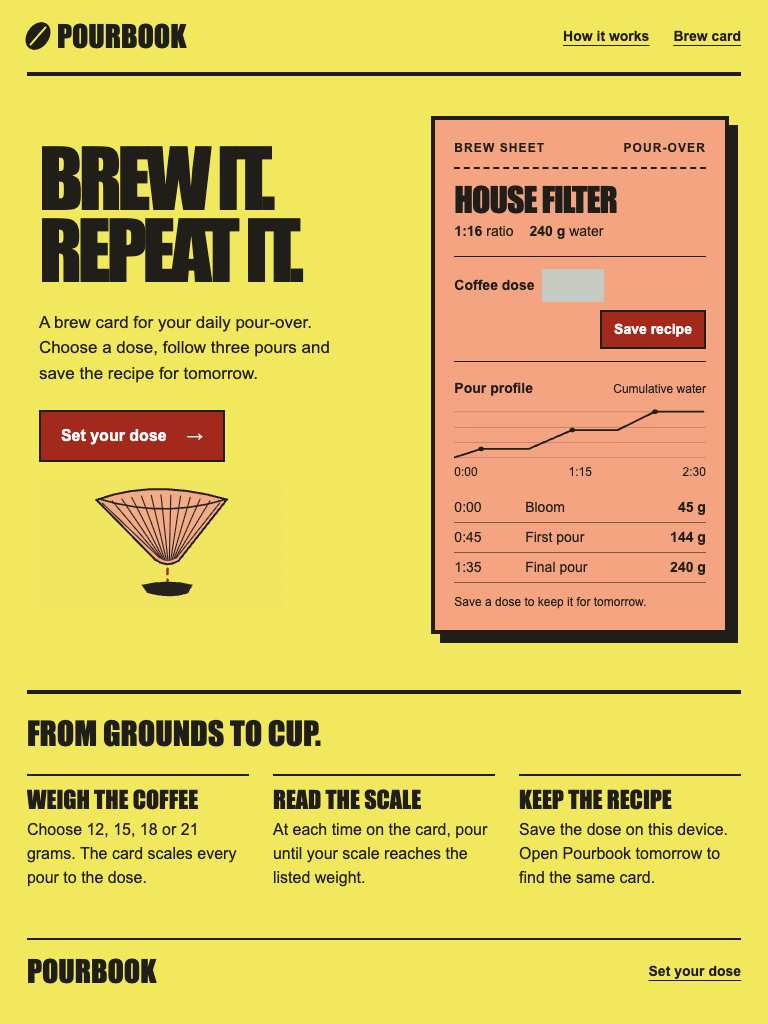
No issue was detected in this view.
Independent task review
The reviewer assesses each route against its user task using desktop and phone evidence. Its task grades describe the interaction evidence available for that route.
/
Audit Pourbook at /: calculate a coffee dose and find/save the House Filter pour-over recipe.
Reviewed at 1440 × 900 and 390 × 844.
- Task hierarchy
- B
- 1440: the large slogan dominates the working brew sheet, but Set your dose and Save recipe remain visible. 390: the dose action precedes a readable stacked recipe; the sheet extends to the viewport bottom. The blank dose field weakens the next-step cue at both widths.
- Landing message
- A
- Both widths identify daily pour-over drinkers, explain choosing a dose and following three pours, and offer Set your dose. House Filter supplies concrete proof through its 1:16 ratio, 240 g water total and timed pour schedule.
- Interaction feedback
- Unverified
- No recorded dose entry or save outcome was supplied. The static 240 g total and save instruction cannot establish calculation updates, validation, confirmation or persistence.
- Access and recovery
- B
- Both browser checks report a visible Tab target reached. At 390, navigation, dose field and Save recipe fit the width. Coffee dose has a visible label but no visible unit. Complete keyboard reach, label association, invalid-input recovery and measured contrast remain unverified.
- Release evidence
- Unverified
- The supplied local renders establish the opening layout at 1440 and 390; checks report one primary heading, six visible controls and a reached Tab target at each width. Calculation, saving, reload persistence and deployed behavior were not exercised.
First action
First observe the core path at 390: activate Set your dose, enter 15 g and save House Filter. Check whether the blank dose field initializes or updates, then address any missing unit, calculation feedback or save confirmation revealed.
How to verify At 390, verify that a 15 g dose produces 240 g water at 1:16, that the pour schedule remains readable, and that saving gives visible confirmation and survives reload. Repeat at 1440. Separately check all controls by keyboard and measure text/control contrast.
What a repair could look like
Second Cast is an agent-built used tools marketplace demo. Both captures show the same task.