Agent-built demo / After audit
Rep Ledger
Fitness and health · Nov 8, 2026
3 measured views. Local app. Design grades compare the actual screen with published product references. N/A means there was no applicable sample. Unverified means evidence was insufficient.
Product specificity and generic signals · A
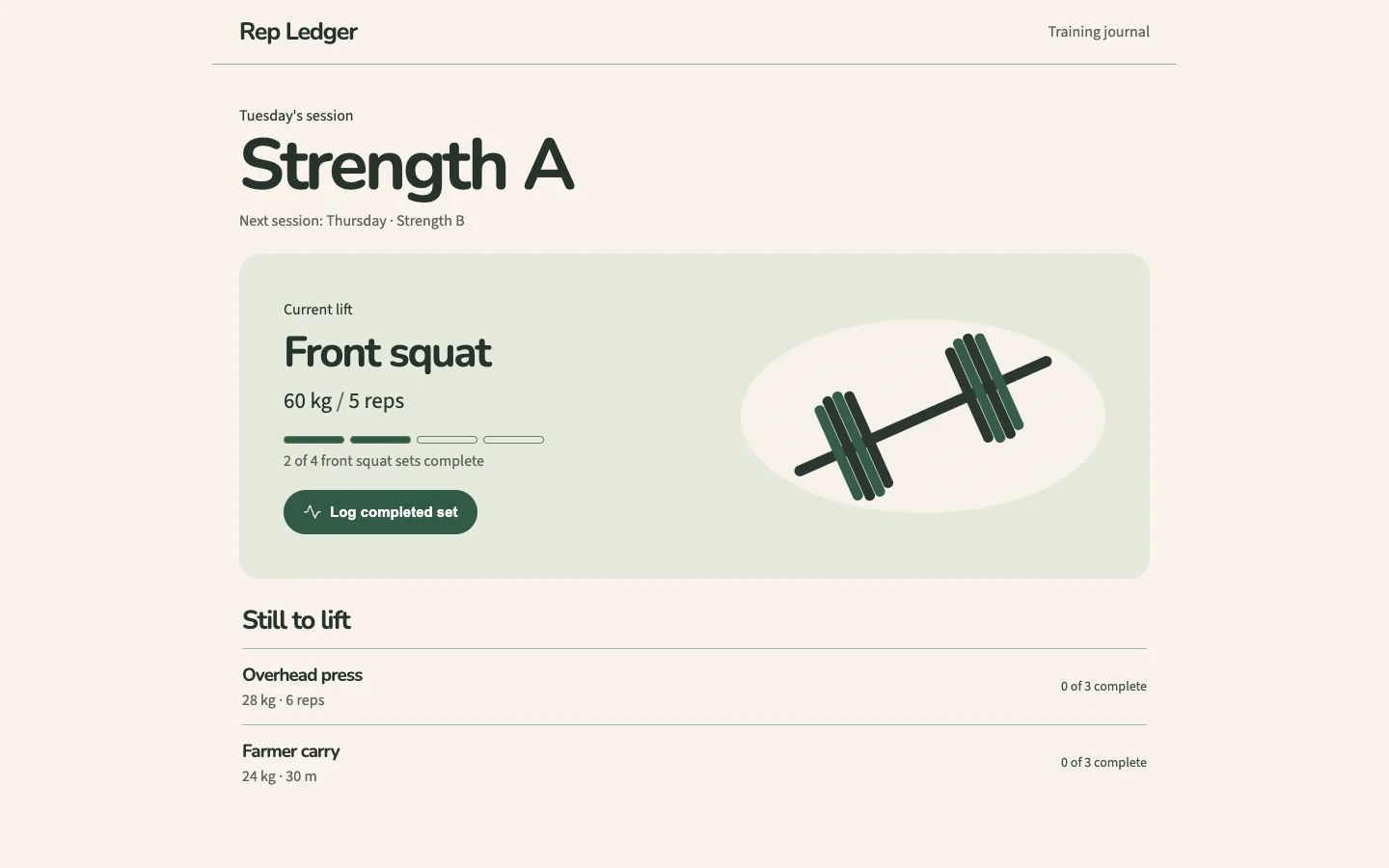
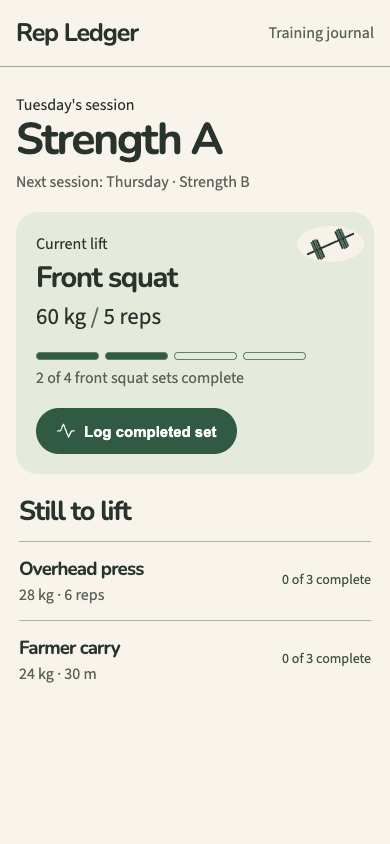
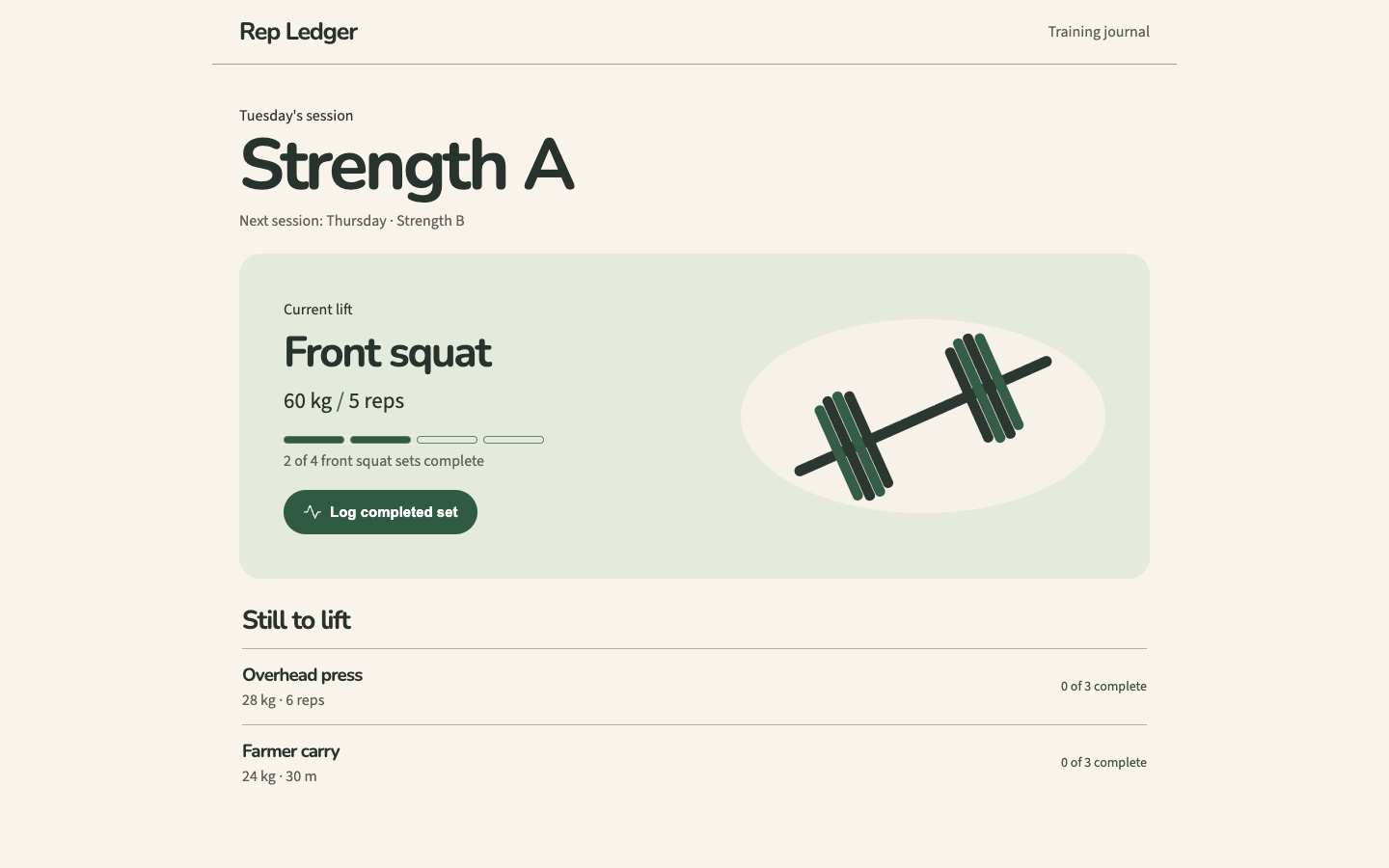
Both 1440 and 390 identify a concrete Strength A session, Front squat at 60 kg for 5 reps, completed-set progress and the logging action. The remaining lifts include their own loads, repetitions or distance. (/)
Visual specificity before deductions A. Weighted design base A. Distinct signal deductions 0.
Product specificity supplies 55% of the base, and the five visual design dimensions share 45%. Round the base to the nearest letter. Each distinct verified generic signal lowers it by one letter, down to F. Foundations are reported separately. The detector ceiling is A. Vision reviewed 1 of 1 measured routes.
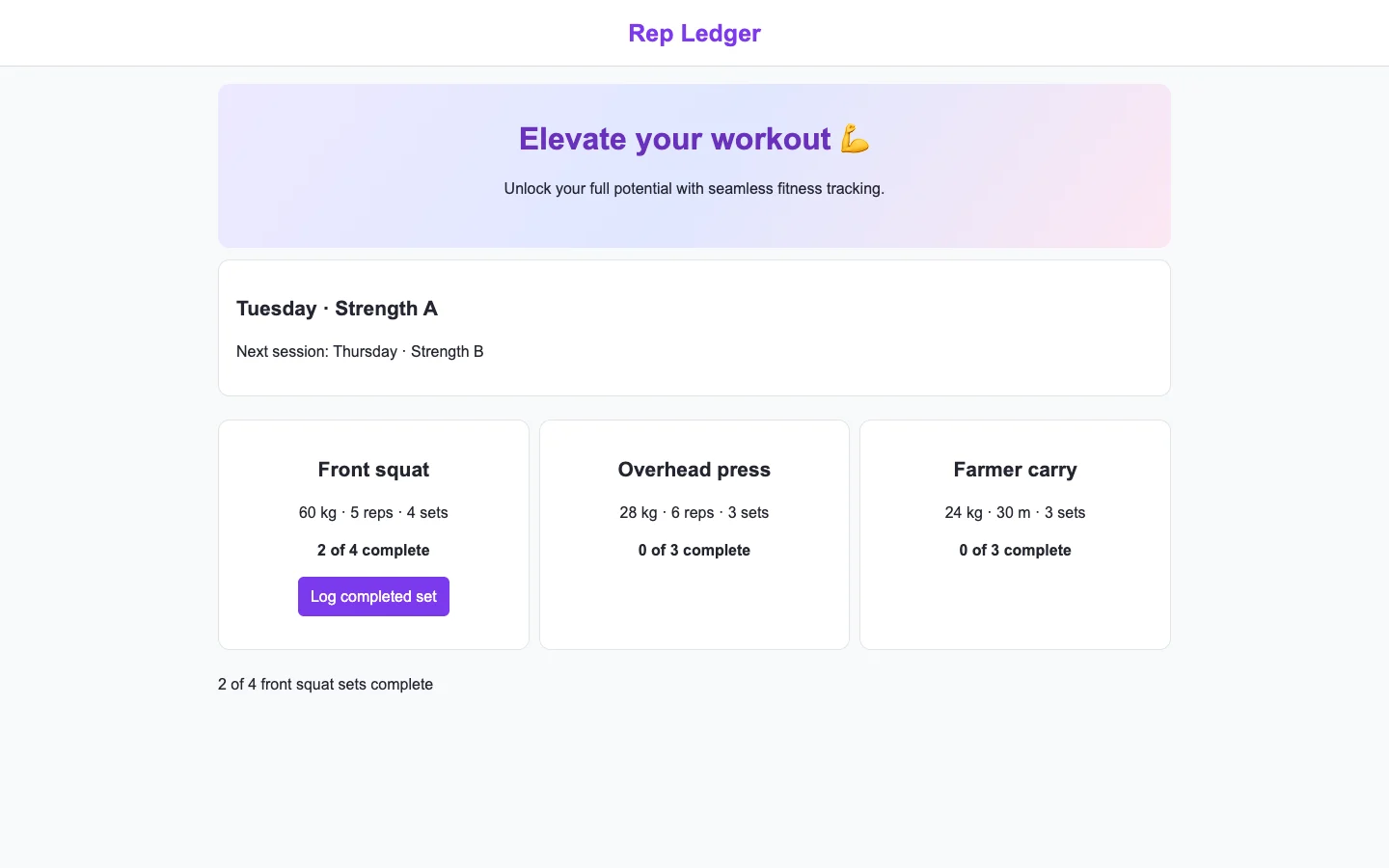
- Template copy · not observed
- No instance was identified in the reviewed views.
- Gradient hero · not observed
- No instance was identified in the reviewed views.
- Emoji bullets · not observed
- No instance was identified in the reviewed views.
- Default shadcn grays · not observed
- No instance was identified in the reviewed views.
- Purple on white · not observed
- No instance was identified in the reviewed views.
- Centered everything · not observed
- No instance was identified in the reviewed views.
Compared with the 2026 references
- / · Like OpenTracks’ first-recording view, Rep Ledger makes the immediate recording control easy to identify. At both widths it additionally supplies the exercise, prescription and existing progress needed to decide what to log. Overall commercial grade: A from visible specificity and visual execution; runtime behavior remains unverified. OpenTracks · first recording

Visual design
- Hierarchy
- A
- At 1440, the large session title and pale green current-lift panel establish clear priority. At 390, the illustration shrinks while the exercise, progress and logging button retain prominence. (/)
- Typography
- A
- At both widths, rounded bold headings distinguish session, current lift and queue; smaller supporting text carries scheduling and completion details. The phone title and exercise labels remain legible without truncation. (/)
- Spacing
- A
- The 1440 layout uses generous panel padding and separated exercise rows. At 390, consistent side margins, stacked content and comfortable button clearance preserve the task within the opening view. (/)
- Copy and labels
- A
- At both widths, “Current lift,” “2 of 4 front squat sets complete” and “Log completed set” connect the record, state and next action directly. “Still to lift” clearly introduces the remaining exercises. (/)
- Imagery
- B
- The barbell illustration supports the strength-training context at 1440 and becomes a compact accent at 390. It is visually coherent but adds little information about the specific front squat. (/)
Foundations · B
Contrast, responsive layout and keyboard reach are sampled separately. The foundations grade is the lowest verified result in this group.
- Color contrast
- A
- At least four opaque text samples per view passed the contrast threshold. Verified across 3 measured views.
- Responsive layout
- A
- All sampled viewports fit without horizontal overflow and contained readable text. Verified across 3 measured views.
- Keyboard access
- B
- Checked 3 Tab probes reaching a visible target across the captured views. No issue detected by this check.
Fix these first
No repair could be verified from these views.
Evidence from the screens
Gray blocks conceal form values or sensitive text. Numbered outlines identify measured issues.
No issue was detected in this view.
No issue was detected in this view.
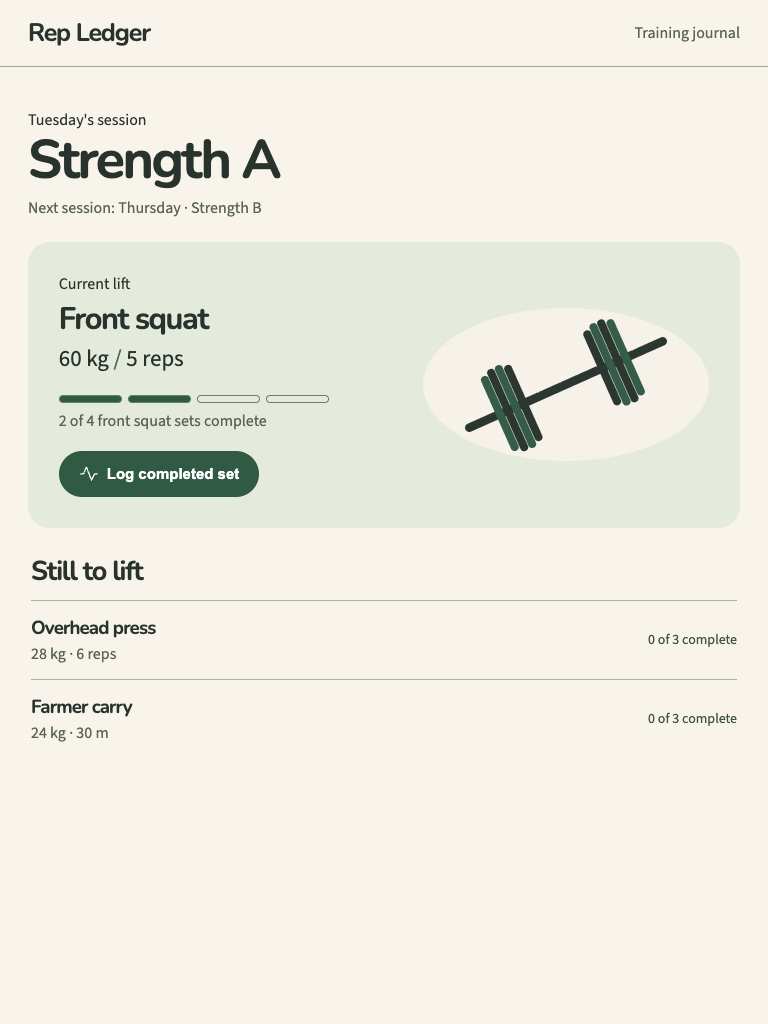
No issue was detected in this view.
Independent task review
The reviewer assesses each route against its user task using desktop and phone evidence. Its task grades describe the interaction evidence available for that route.
/
Rep Ledger, route /: find the current Front squat record (60 kg, 5 reps, 2 of 4 sets complete) and use “Log completed set.”
Reviewed at 1440 × 900 and 390 × 844.
- Task hierarchy
- A
- At 1440, Strength A leads into a distinct current-lift panel and prominent logging action. At 390, the same record and button remain fully visible above the remaining exercises. Overhead press and Farmer carry are clearly secondary.
- Landing message
- N/A
- This is a working training journal, not a public product landing page.
- Interaction feedback
- Unverified
- Both captures show 2 of 4 front squat sets complete. No supplied check activated “Log completed set,” so progress updates, confirmation, duplicate handling and persistence remain unverified.
- Access and recovery
- B
- At both widths, the action has a clear visible label and the supplied Tab check reached a visible target. At 390, content fits without visible clipping. Activation, focus appearance, undo and recovery were not exercised; color contrast was not measured.
- Release evidence
- Unverified
- The sampled local route renders at 1440 × 900 and 390 × 844; checks report one primary heading and one visible control at each width. Logging behavior, reload persistence and deployed behavior were not established.
First action
At 390, activate “Log completed set” once for Front squat and observe whether the count advances from 2 of 4 to 3 of 4 with clear confirmation. Repeat at 1440.
How to verify At each width, verify that one activation records exactly one set, updates the progress indicator and count together, and preserves the result after reload. Separately check keyboard activation, visible focus, measured contrast and correction of an accidental entry.
What a repair could look like
Rep Ledger is an agent-built strength training log demo. Both captures show the same task.