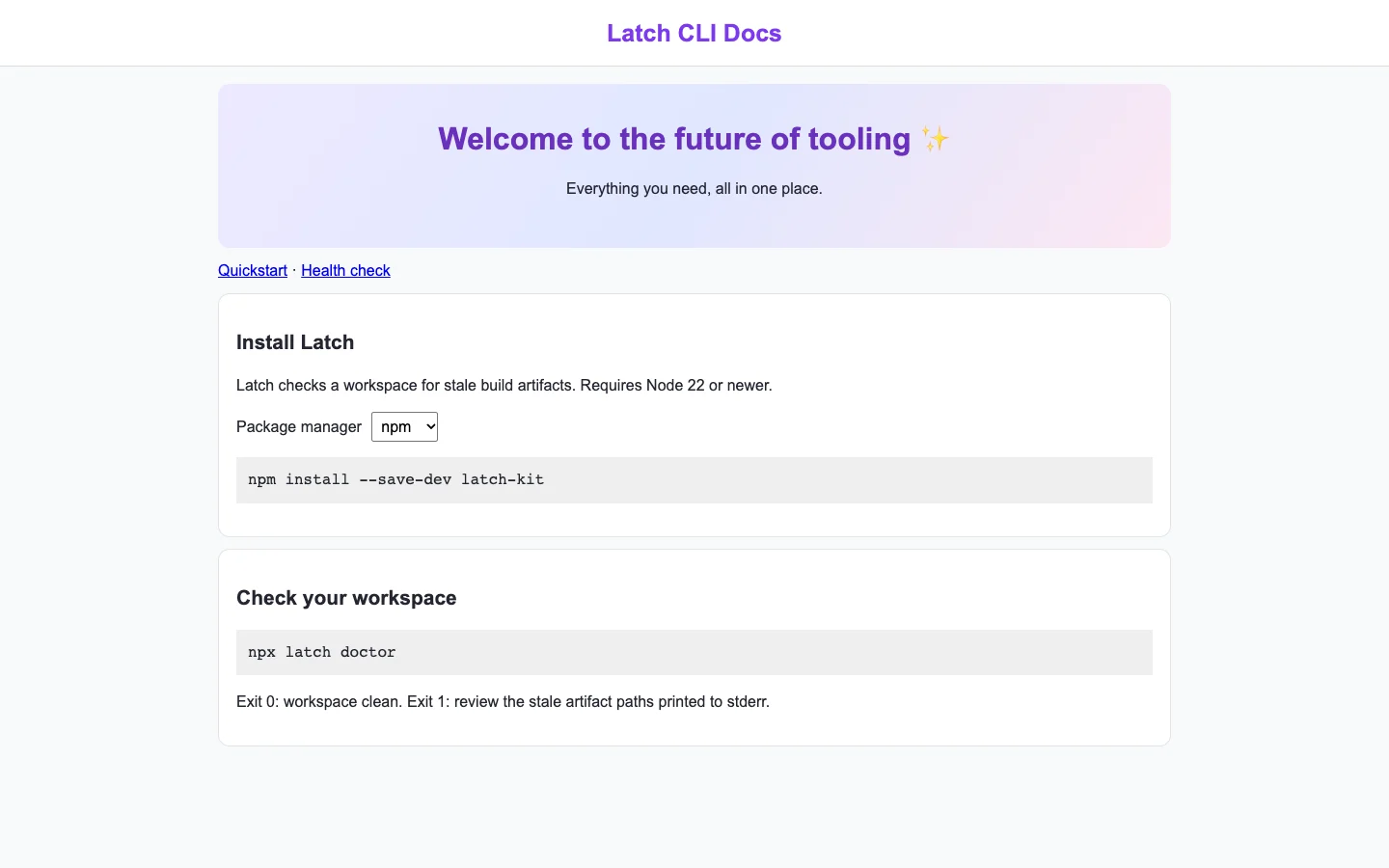
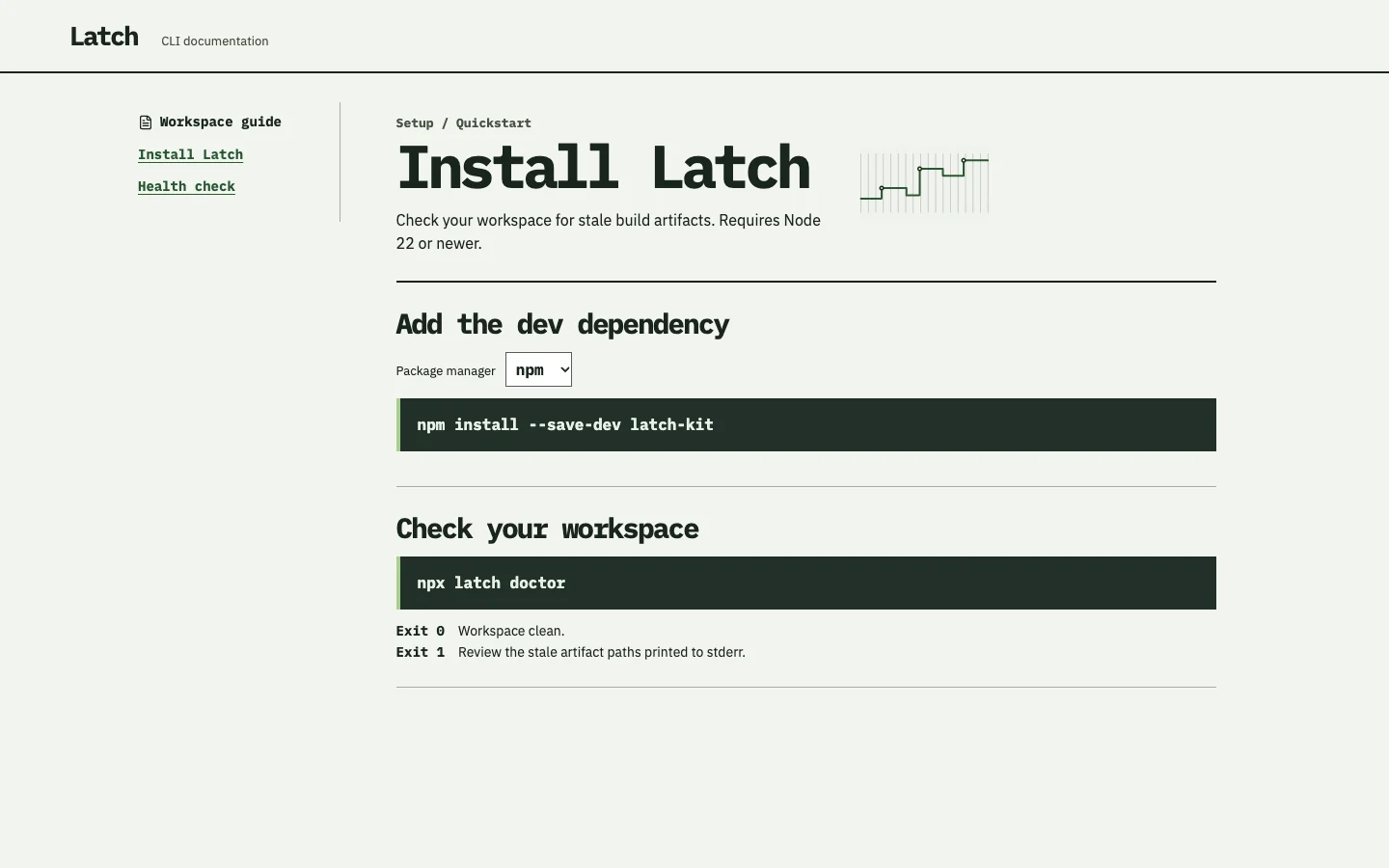
Agent-built demo / After audit
Latch
Dev tools and docs · Nov 8, 2026
3 measured views. Local app. Design grades compare the actual screen with published product references. N/A means there was no applicable sample. Unverified means evidence was insufficient.
Product specificity and generic signals · A
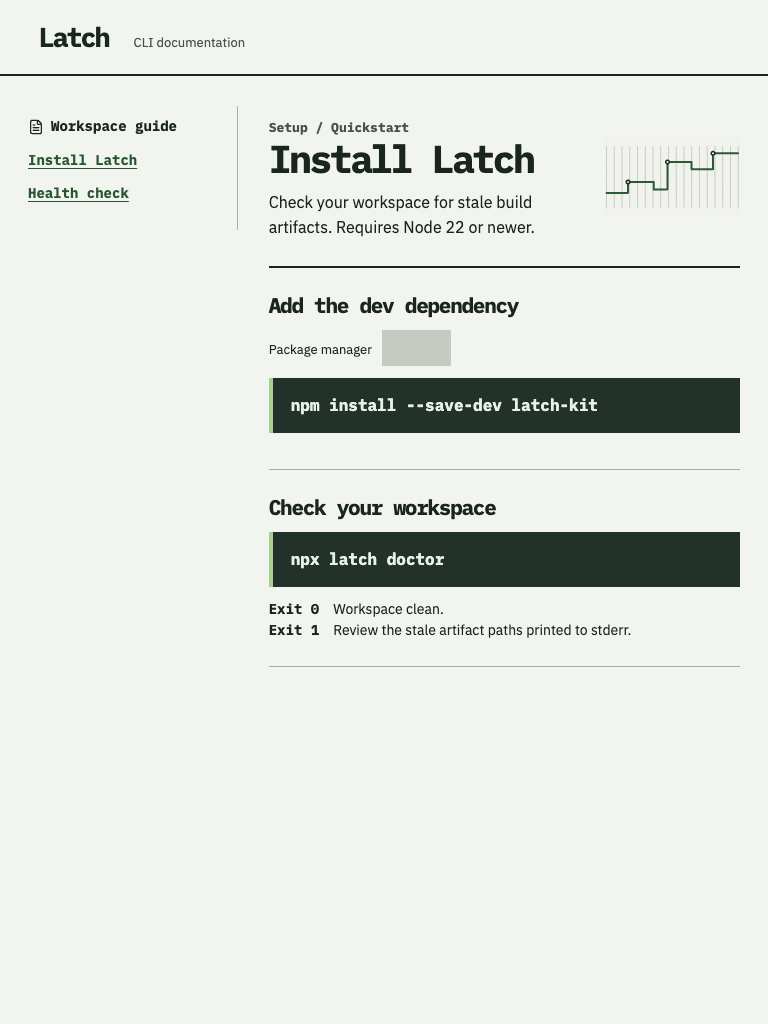
Both widths name Latch, latch-kit, Node 22 and stale build artifacts. The install and doctor commands plus Exit 0/1 consequences make the product, task and result concrete. (/)
Visual specificity before deductions A. Weighted design base A. Distinct signal deductions 0.
Product specificity supplies 55% of the base, and the five visual design dimensions share 45%. Round the base to the nearest letter. Each distinct verified generic signal lowers it by one letter, down to F. Foundations are reported separately. The detector ceiling is A. Vision reviewed 1 of 1 measured routes.
- Template copy · not observed
- No instance was identified in the reviewed views.
- Gradient hero · not observed
- No instance was identified in the reviewed views.
- Emoji bullets · not observed
- No instance was identified in the reviewed views.
- Default shadcn grays · not observed
- No instance was identified in the reviewed views.
- Purple on white · not observed
- No instance was identified in the reviewed views.
- Centered everything · not observed
- No instance was identified in the reviewed views.
Compared with the 2026 references
- / · Like dev-tools-docs-2, Latch gives exact monospace content room and supports it with concise interpretation. Its Exit 0/1 guidance explains outcomes at both widths. The missing visible package-manager value weakens the decision that determines which command to use. WooCommerce · fatal error detail

Visual design
- Hierarchy
- B
- At 1440, sidebar navigation, the title and separated command sections scan clearly. At 390, the same sequence survives with top navigation. The blank selector weakens the otherwise clear action order. (/)
- Typography
- A
- Both widths distinguish bold mono headings and commands from readable explanatory text. The phone title and install command fit, and wrapped exit guidance remains easy to follow. (/)
- Spacing
- A
- At 1440, a restrained content column and section rules provide clear grouping. At 390, consistent side margins and vertical gaps preserve separation without compressing commands or guidance. (/)
- Copy and labels
- C
- Both widths provide precise installation commands, prerequisites and exit meanings. Package manager has a label but no visible selected value, leaving the central choice ambiguous. (/)
- Imagery
- B
- A small green step-line illustration stays secondary beside the opening content at 1440 and 390. It suits the restrained composition but contributes little explanation of stale artifacts. (/)
Foundations · A
Contrast, responsive layout and keyboard reach are sampled separately. The foundations grade is the lowest verified result in this group.
- Color contrast
- A
- At least four opaque text samples per view passed the contrast threshold. Verified across 3 measured views.
- Responsive layout
- A
- All sampled viewports fit without horizontal overflow and contained readable text. Verified across 3 measured views.
- Keyboard access
- A
- Tab reached two visibly focused controls and Shift+Tab returned to the first. Verified across 3 measured views.
Fix these first
No repair could be verified from these views.
Evidence from the screens
Gray blocks conceal form values or sensitive text. Numbered outlines identify measured issues.
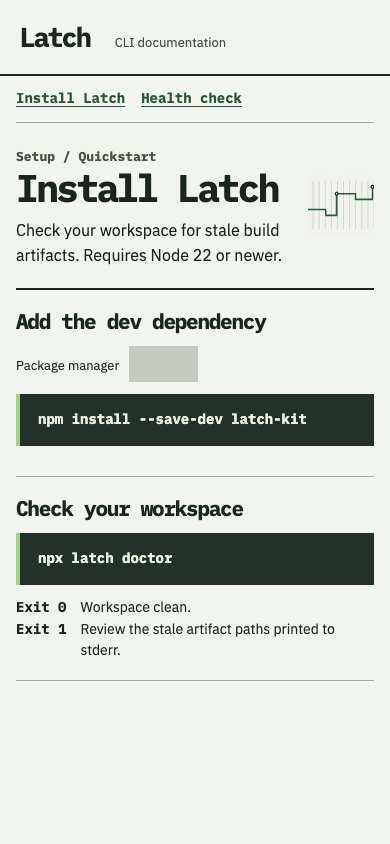
No issue was detected in this view.
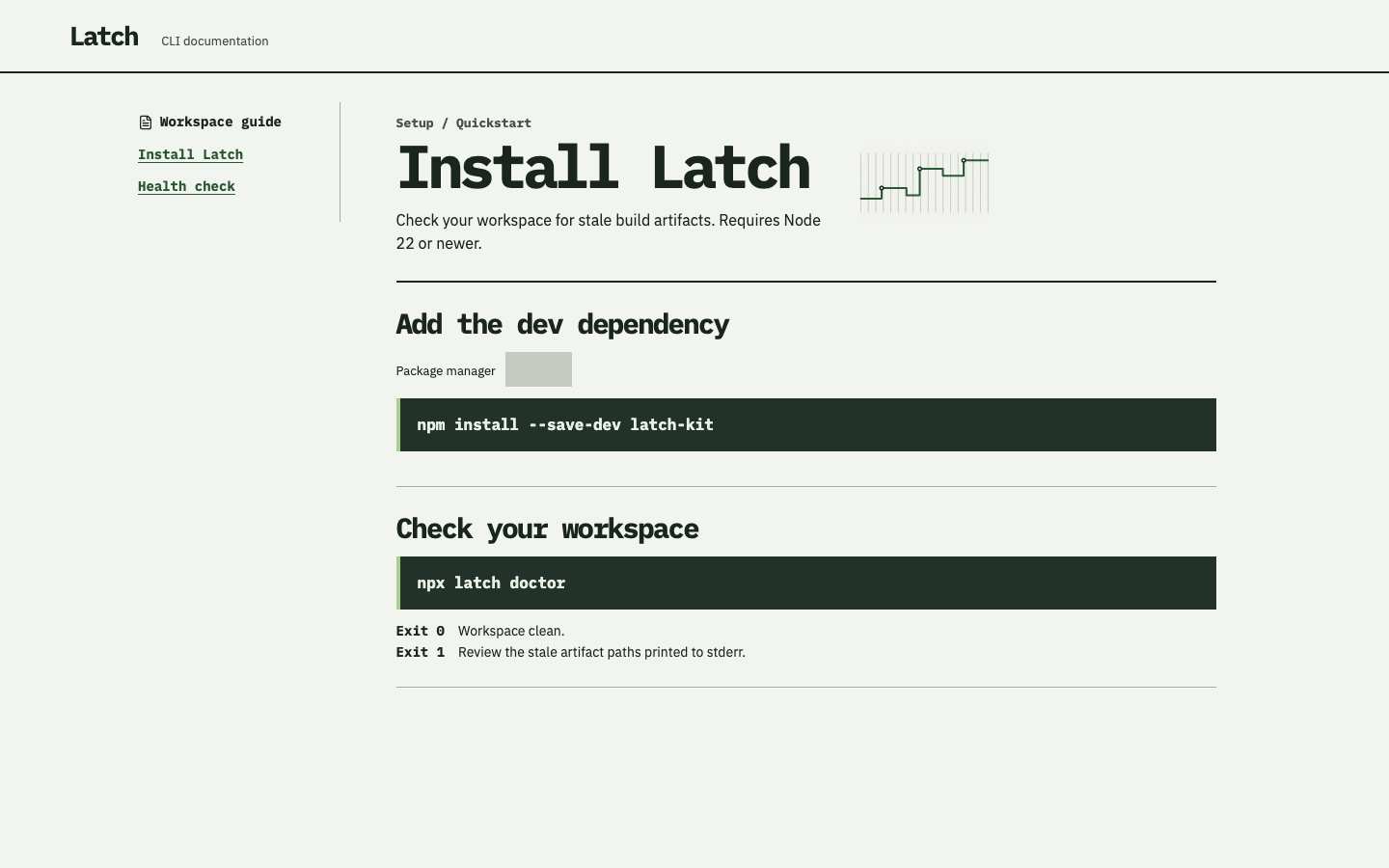
No issue was detected in this view.
No issue was detected in this view.
Independent task review
The reviewer assesses each route against its user task using desktop and phone evidence. Its task grades describe the interaction evidence available for that route.
/
Audit the Latch CLI documentation at /. The user must choose a package manager and read the matching install command. The command specimen is documentation content; the blank package-manager control belongs to the audited interface.
Reviewed at 1440 × 900 and 390 × 844.
- Task hierarchy
- C
- At 1440, the sidebar and large Install Latch heading establish a clear sequence. At 390, navigation moves above the content and commands remain readable. At both widths, the package-manager control shows no selected value, obscuring the choice required before using the npm command.
- Landing message
- N/A
- This is a CLI setup guide, not a public marketing landing page. Both widths identify stale build artifacts, Node 22 requirements and the installation action.
- Interaction feedback
- Unverified
- Browser checks report three visible controls and a visible Tab target at each width. No package-manager selection trigger, command update or persistence outcome was supplied.
- Access and recovery
- C
- At 1440 and 390, Package manager labels a visibly blank control. Recorded keyboard focus reaches a visible target, but does not establish selector operation. The phone layout keeps commands within the viewport and wraps the Exit 1 guidance legibly.
- Release evidence
- Unverified
- The supplied local renders and checks establish one primary heading, three visible controls and a reachable visible focus target at each width. Selection behavior, command correctness after selection and deployed behavior remain unobserved.
First action
Make the package-manager control display its current value, initially npm, with an identifiable selection affordance at both 1440 and 390.
How to verify At each supplied width, confirm npm is visible initially; Tab to the selector, change its value using the keyboard and verify the install command matches. Capture focus and the changed state. Narrow layout is visually supported; full keyboard reach and measured color contrast remain unverified.
What a repair could look like
Latch is an agent-built developer documentation demo. Both captures show the same task.